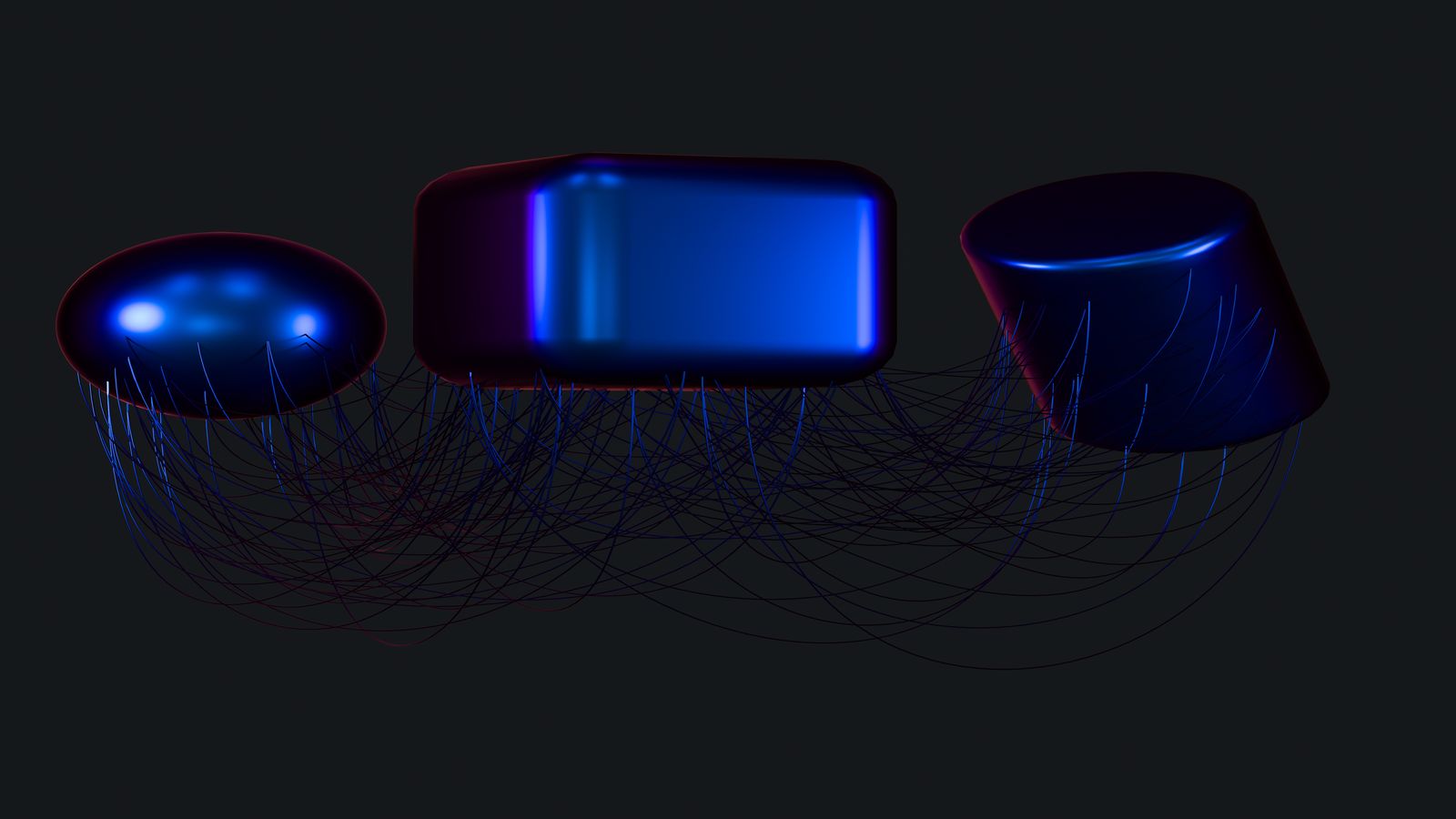
Immersive 3D & Spatial UX: Bringing Depth to Websites in 2026
Three-dimensional interfaces on the web have been "the next big thing" for over a decade. Every year, someone predicts that 3D will take over web design. Every year, the reality is more nuanced. In 2026, we are finally at a point where browser capabilities, GPU access through WebGPU, and CSS-native 3D transforms make spatial UX genuinely practical for production sites — but only if you understand the constraints. This guide is for front-end developers and designers who want to add depth and spatial elements to their web projects without tanking performance, breaking accessibility, or shipping gimmicks that frustrate users.
What has changed this year is not just browser support. It is that the tooling has matured enough that you do not need a dedicated 3D engineer to ship spatial interactions. CSS perspective, transform-style: preserve-3d, and the new anchor-positioning properties combine with lightweight WebGL libraries to make tasteful depth effects achievable on standard project timelines.
Where 3D Adds Value and Where It Doesn't
The first question is not "how do I add 3D?" but "should I?" Spatial depth improves user experience in specific contexts:
Where it helps:
- Product showcases where seeing an object from multiple angles reduces purchase hesitation
- Data visualisation where the third dimension encodes meaningful information
- Layered UI where spatial depth communicates hierarchy (modals, tooltips, navigation stacks)
- Interactive storytelling where parallax and depth guide narrative progression
Where it hurts:
- Body content layouts — text in 3D space is an accessibility and readability disaster
- Navigation systems — users need to find links fast, not navigate a spatial environment
- Forms and transactional flows — any spatial effect that adds cognitive load to form completion reduces conversion
- Information-dense pages — 3D effects compete with the content for attention
The human-centric design trends guide discusses the broader shift toward warmth and authenticity. Spatial depth fits that trend when it creates tactile, approachable interfaces. It conflicts with it when it creates spectacle that distances users from content.
CSS-Native Depth: What You Can Do Without JavaScript
Modern CSS can handle more spatial effects than most developers realise. Before reaching for Three.js or any WebGL library, consider what pure CSS offers:
Perspective and 3D Transforms
.card-stack {
  perspective: 1200px;
  perspective-origin: 50% 50%;
}

.card-stack__item {
  transform-style: preserve-3d;
  transition: transform 0.4s cubic-bezier(0.25, 0.46, 0.45, 0.94);
}

.card-stack__item:hover {
  transform: translateZ(20px) rotateY(-2deg);
}
This creates a subtle lift effect on hover — the card appears to rise toward the user. At perspective: 1200px, the effect is gentle. Lower values create more dramatic perspective distortion.
The key insight: perspective values between 800px and 1500px produce tasteful depth. Below 600px, the distortion becomes cartoonish. Above 2000px, the effect is barely noticeable.
Layered Shadows for Depth Hierarchy
Material-style elevation is well-understood but often poorly implemented. The trick is using multiple shadow layers with different offsets and blur radii:
.elevated-1 {
  box-shadow:
    0 1px 2px rgba(45, 41, 38, 0.06),
    0 2px 4px rgba(45, 41, 38, 0.04);
}

.elevated-3 {
  box-shadow:
    0 2px 4px rgba(45, 41, 38, 0.08),
    0 8px 16px rgba(45, 41, 38, 0.06),
    0 24px 48px rgba(45, 41, 38, 0.04);
}
Three shadow layers at increasing distances create a more realistic depth simulation than a single shadow. The warm rgba tones (as discussed in the human-centric design guide) make the elevation feel natural rather than clinical.
Scroll-Driven Parallax Without JavaScript
CSS scroll-driven animations, now well-supported in 2026, let you create parallax depth effects without JavaScript event listeners:
@keyframes parallax-shift {
  from { transform: translateY(0); }
  to { transform: translateY(-60px); }
}

.parallax-layer--back {
  animation: parallax-shift linear;
  animation-timeline: scroll();
  animation-range: 0% 100%;
}
This performs significantly better than JavaScript-based parallax because it runs on the compositor thread. No main thread blocking, no jank on scroll.
WebGPU and the Performance Threshold
WebGPU replaces WebGL with a modern GPU API that offers better performance and more predictable behaviour across devices. For spatial UX, this matters because:
- Shader compilation is faster. WebGPU pre-compiles shaders, eliminating the frame drops that plague WebGL on first render.
- Memory management is explicit. You control GPU buffer allocation, which prevents the memory leaks that crashed mobile browsers in complex WebGL scenes.
- Compute shaders enable new effects. Particle systems, physics simulations, and procedural generation can run entirely on the GPU.
The practical threshold: if your spatial effect can be achieved with CSS transforms and shadows, use CSS. If it requires actual 3D geometry, texturing, or lighting, WebGPU is the right tool. The in-between zone — where you might use Three.js for simple 3D objects — is where you need to evaluate carefully.
Accessibility in Spatial Interfaces
This is where most 3D implementations fail. Spatial effects can create barriers for:
- Screen reader users who cannot perceive visual depth
- Users with vestibular disorders who experience nausea or disorientation from motion
- Keyboard navigators who need a logical focus order that spatial layouts can disrupt
Required Mitigations
Respect prefers-reduced-motion. Every spatial animation must have a reduced-motion fallback:
@media (prefers-reduced-motion: reduce) {
  .card-stack__item {
    transform: none;
    transition: none;
  }
  .parallax-layer--back {
    animation: none;
  }
}
Maintain logical DOM order. Visual spatial positioning (elements appearing at different depths) must not change the DOM order that screen readers and keyboard navigation follow. Use CSS transforms for visual depth, not reordered markup.
Provide flat alternatives for critical content. If 3D is used to display product information, an accessible flat view must present the same information. This is not optional — it is a WCAG 2.2 requirement.
The semantic HTML layouts guide covers the structural patterns that make accessible layered interfaces possible.
Performance Budget for Spatial Effects
Spatial effects consume GPU resources. On a flagship phone, this is rarely noticeable. On a budget Android device — which represents the majority of mobile traffic globally — a WebGL scene can drop the frame rate to 15fps and drain the battery visibly.
Set a GPU budget:
- CSS 3D transforms: Nearly free. Use liberally.
- CSS animations on transform/opacity: Compositor-only. Under 1ms per frame.
- WebGL/WebGPU scenes under 10,000 triangles: Smooth on mid-range devices.
- WebGL/WebGPU scenes over 50,000 triangles: Flagship-only. Provide fallback.
- Post-processing shaders (blur, bloom, depth of field): Add 4–8ms per frame. Often the bottleneck.
The cache and performance guide covers general performance budgets. For spatial UX specifically, measure GPU frame time using Chrome DevTools Performance panel with "GPU" track enabled.
Practical Patterns That Work in Production
Depth-Aware Card Grids
Cards at different z-depths based on content priority. The featured card appears closer (larger shadow, slight scale increase) while secondary cards recede. This communicates hierarchy spatially without requiring users to understand 3D space.
Layered Modal Systems
Modals that visually push the page content backward rather than simply overlaying it. A transform: translateZ(-50px) scale(0.95) on the page content behind the modal creates a depth relationship that helps users understand where they are in the interface.
Scroll-Triggered Depth Reveals
Content sections that shift from flat to layered as the user scrolls into them. A card grid that starts flat and subtly separates into depth layers as it enters the viewport. This rewards engagement without forcing spatial interaction on users who are scrolling past.
Mistakes to Avoid
Auto-playing 3D animations on page load. The GPU spins up, the fan turns on, and the user has not asked for it. All spatial animation should be triggered by user action (scroll, hover, click) or at minimum respect reduced-motion preferences.
3D navigation menus. They look impressive in prototypes and are universally frustrating in production. Users need to find navigation items in under 2 seconds. Spatial navigation adds cognitive overhead that slows this down.
Mixing spatial and flat paradigms inconsistently. If part of your interface uses depth and part does not, the inconsistency creates confusion about what is interactive and what is decorative. Commit to a coherent depth strategy or keep everything flat.
Ignoring mobile GPU limits. Test on actual mid-range phones, not just your development machine. A MacBook Pro's M-series GPU is 10–20x more capable than a Snapdragon 4-series in a budget Android phone.
Checklist
- [ ] Every spatial effect has a
prefers-reduced-motionfallback - [ ] DOM order matches logical reading order regardless of visual depth
- [ ] CSS perspective values between 800px and 1500px for subtle depth
- [ ] Multi-layer box shadows used for elevation hierarchy
- [ ] WebGL/WebGPU scenes tested on mid-range mobile devices
- [ ] GPU frame time under 16ms (60fps) on target devices
- [ ] No auto-playing 3D animations on page load
- [ ] Critical content accessible without spatial interaction
- [ ] Scroll-driven animations use CSS animation-timeline where supported
- [ ] Total JavaScript bundle for 3D libraries under 50KB gzipped (if used)
FAQ
Is WebGPU ready for production in 2026? In Chrome and Edge, yes. Firefox support landed in late 2025. Safari support is partial. For critical features, provide a WebGL fallback. For progressive enhancement, WebGPU-only is acceptable.
How do I test spatial effects for vestibular disorders?
Enable prefers-reduced-motion in your OS settings and verify every animated element stops. Then test with your reduced-motion fallback active for a full user flow. If any motion remains that could cause disorientation, add controls.
Should I use Three.js or raw WebGPU? Three.js with its WebGPU renderer is the pragmatic choice for most projects in 2026. Raw WebGPU makes sense only if you need fine-grained control over GPU resources or are building something Three.js does not handle well (custom compute shaders, non-standard rendering pipelines).
Next Steps
- Review the human-centric design trends guide for the aesthetic context driving spatial design choices
- Check the cache and performance guide for broader performance strategy
- Explore the layout demos to see how flat layouts handle content hierarchy without 3D
- Browse all guides for more implementation patterns